.png?width=180&height=23&name=Mapcreator%20logo%20(1).png)
You can highlight multiple countries in one go. Drag and drop a spreadsheet with country names, then select ‘’Areas’’ in the pop-up window.
Import this table of OPEC countries to see how it works.
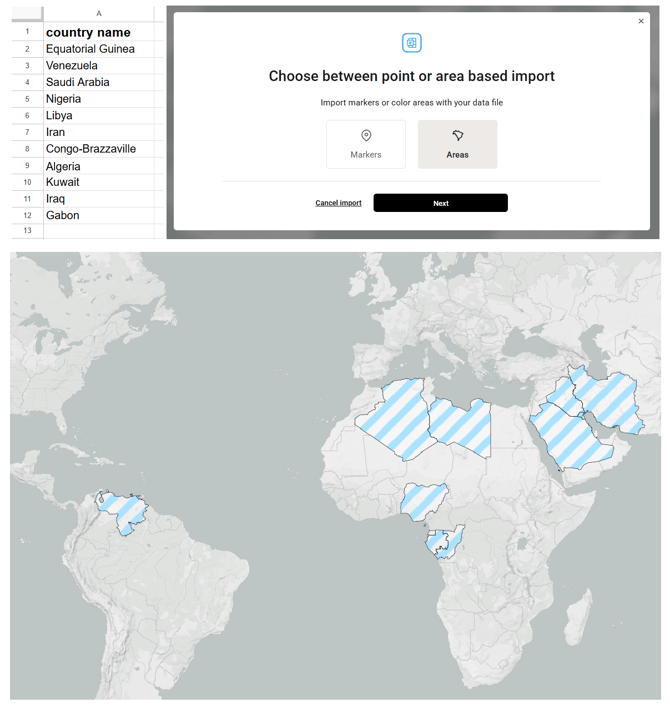
There are several options for coloring:
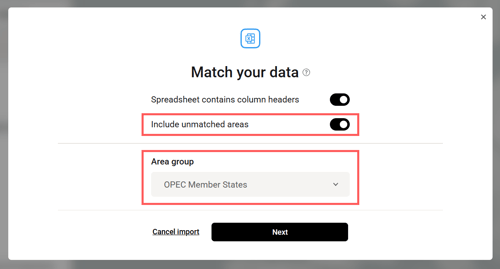
- Highlight only the specified countries — turn off ‘’Include unmatched areas’’.
- Highlight the specified countries in one color and the others in another — turn on ‘’Include unmatched areas’’ and choose which additional countries to highlight from the dropdown (for example, European countries or all countries in the world).
- Highlight the specified countries based on values from your table. These can be GDP figures or any other data. Learn more here.
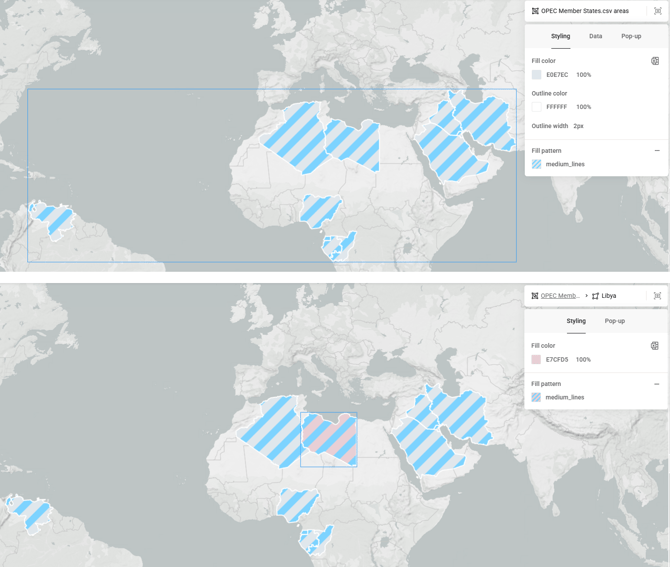
You can further customize the added countries in the ‘’Styling’’ menu. Click areas once to select all of them, or double-click to select a single country.
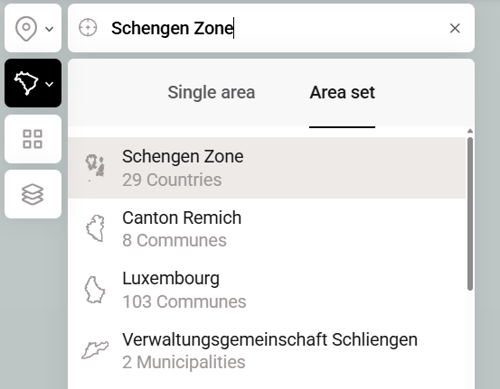
You can also add countries from the predefined groups. Open the ‘’Area set’’ section and search for EU, NATO, Africa, etc., or click the relevant area on the map to see which groups it belongs to.